Getting ZATCA-compliant does not have to be overwhelming. This checklist breaks the entire process into clear, ordered steps. Follow them from top to bottom and you will go from where you are today to fully compliant — with confidence.
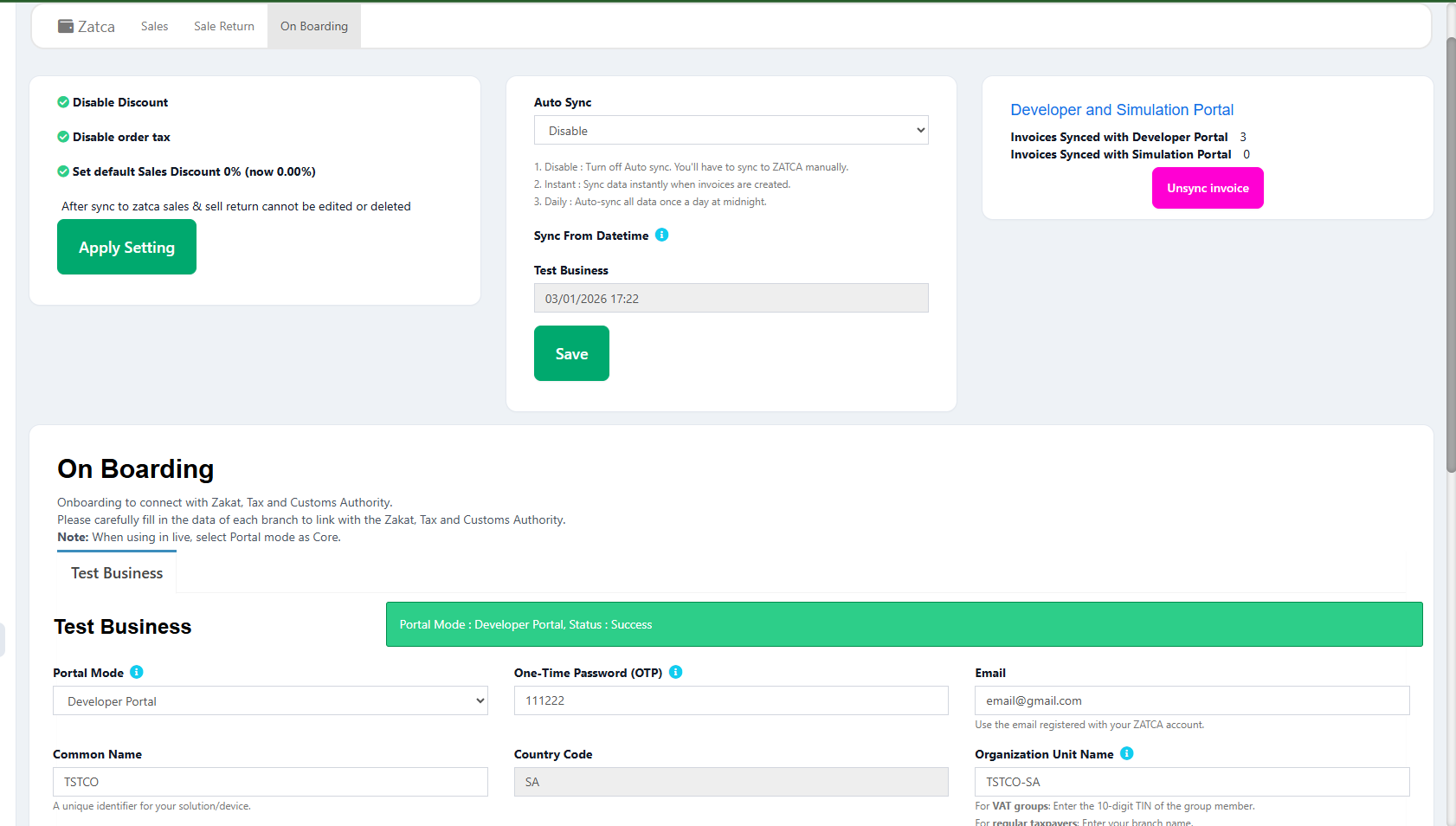
Overview of the ZATCA compliance onboarding process
Phase 1: Business Setup
SetupVerify VAT Registration
Confirm your business is registered for VAT with ZATCA. Your 15-digit VAT registration number (TIN) is required for all e-invoicing. If not registered, apply at zatca.gov.sa.
Business SetupConfirm Your Group Wave
ZATCA is onboarding businesses in waves based on revenue thresholds. Check which wave your business belongs to and when your compliance deadline is. Contact ZATCA if unsure. See our Phase 2 guide for the rollout timeline.
Business SetupSelect a ZATCA-Compliant POS / ERP
Choose a POS or ERP system that supports all ZATCA Phase 2 requirements: UBL 2.1 XML, digital signatures, QR codes, API integration, and hash chains. If your current system does not support these, switch to one that does. See our ZATCA POS requirements guide for the full feature list. A purpose-built ZATCA-compliant POS system handles most compliance steps automatically.
Business SetupPrepare Business Data
Gather and verify: business Arabic name, English name, VAT number (TIN), Commercial Registration (CR) number, business address (street, building, city, postal code, district), and IBAN for refunds. This data appears on every e-invoice.
Business SetupPhase 2: Technical Implementation
Technical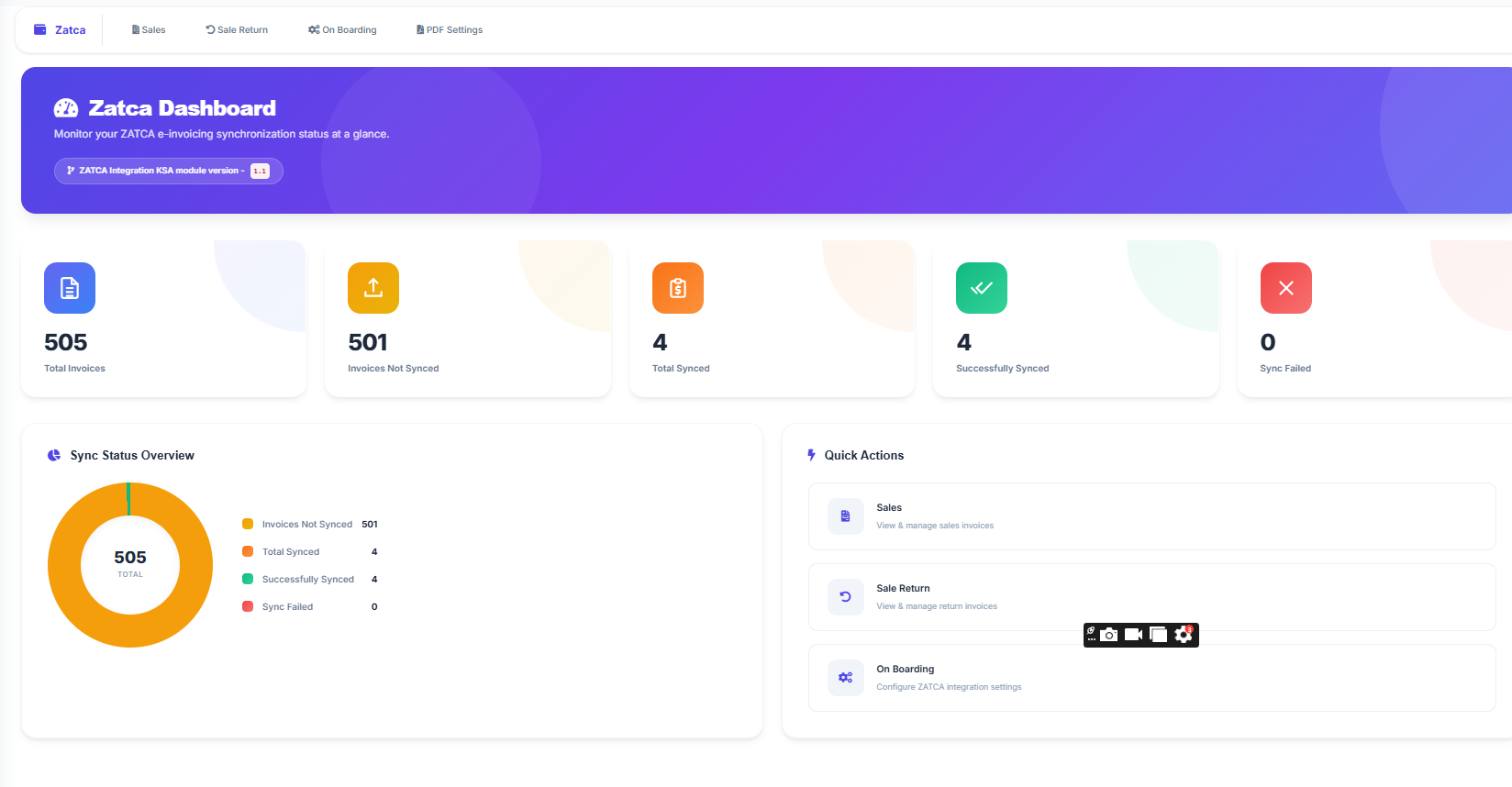
Generate CSR (Certificate Signing Request)
Generate a CSR using OpenSSL with the required ZATCA fields (Organization, Country=SA, OID extensions). This is submitted to ZATCA to obtain your compliance certificate. Your POS vendor may handle this step for you.
TechnicalObtain Compliance CSID
Submit the CSR to ZATCA's compliance API endpoint. You will receive a Compliance CSID (certificate) and a secret. These are used for the sandbox testing phase. Full details in our API integration guide.
TechnicalConfigure Invoice Templates
Set up your POS to generate both simplified invoices (B2C) and standard invoices (B2B). Ensure the correct InvoiceTypeCode (0100000 for standard, 0200000 for simplified) is used. Configure credit note and debit note templates as well.
TechnicalImplement Digital Signing
Configure your system to sign every invoice XML with the ECDSA algorithm using the ZATCA-issued certificate. The signature must cover the entire invoice XML and be embedded in the UBL Extensions element.
TechnicalImplement QR Code Generation
Configure 9-tag TLV-encoded QR codes for every invoice. Phase 2 QR codes include cryptographic data (signature, public key hash, certificate signature). Verify QR codes are scannable when printed on thermal paper. Read our QR code requirements guide.
TechnicalSet Up Hash Chain
Initialize the previous invoice hash (PIH). The very first invoice uses a SHA-256 hash of "0". Each subsequent invoice includes the hash of the previous one. This creates an immutable chain.
TechnicalPhase 3: Testing
TestingTest in ZATCA Sandbox
Submit test invoices to ZATCA's sandbox environment. Test both clearance (B2B) and reporting (B2C) flows. Verify that invoices are accepted with "REPORTED" or "CLEARED" status. Fix any validation errors. See our error codes guide for troubleshooting.
TestingValidate XML Structure
Run your generated XML through ZATCA's validation rules. Check UBL 2.1 conformance, required fields, VAT calculations (BR-CO-15), proper TIN format, Arabic seller name, and all BR-KSA business rules. Our XML format guide covers the full structure.
TestingTest Edge Cases
Test credit notes, debit notes, zero-rated invoices, exempt invoices, multi-line invoices, discount handling, and rounding scenarios. Also test the offline queue — disconnect from the internet and verify invoices queue locally and sync when reconnected.
TestingPass Compliance Checks
Submit the required number of compliant test invoices through the compliance API. ZATCA requires specific invoice types (standard, simplified, credit note, debit note) to all pass validation before issuing a production certificate.
TestingDo Not Skip Testing
Rushing to production without thorough sandbox testing leads to rejected invoices, broken hash chains, and potential penalties. ZATCA's sandbox is free — use it extensively. Fix every warning, not just errors.
Phase 4: Go Live
ProductionObtain Production CSID
After passing compliance checks, request a production CSID from ZATCA. This replaces the compliance certificate. Your system must switch to using the production CSID and production API endpoints.
ProductionSwitch to Production API
Update your system to use ZATCA's production endpoints instead of sandbox. Double-check the base URL and authentication credentials. The first production invoice is critical — verify it returns "REPORTED" or "CLEARED".
ProductionTrain Your Staff
Ensure cashiers, accountants, and managers understand the new invoicing flow. They should know: how to generate invoices, what a QR code means, how to issue credit notes, what to do during an internet outage, and who to contact for ZATCA issues.
ProductionVerify First Production Invoices
Monitor the first 50–100 production invoices closely. Check the ZATCA response for each. Ensure no rejections or unexpected warnings. Verify QR codes scan correctly. Confirm hash chain is building properly.
ProductionPhase 5: Ongoing Compliance
OngoingMonitor ZATCA Responses
Regularly check your invoice submission status. Investigate warnings immediately. A pattern of warnings often precedes errors. Keep a dashboard or log of ZATCA response statuses for all submitted invoices.
OngoingRenew Certificates Before Expiry
Production CSIDs have an expiration date. Set a reminder to renew at least 30 days before expiry. A lapsed certificate means your invoices cannot be signed and will be rejected.
OngoingStay Updated on ZATCA Changes
ZATCA regularly publishes updates to their rules, API versions, and business rule sets. Subscribe to ZATCA announcements and ensure your POS vendor pushes updates promptly. Using a cloud-based e-invoicing solution means updates are applied automatically.
OngoingKeep Records for Audit
Maintain copies of all submitted invoices, ZATCA responses, certificates, and logs. Saudi tax law requires keeping records for a minimum of 6 years. Your POS should store all of this automatically.
Ongoing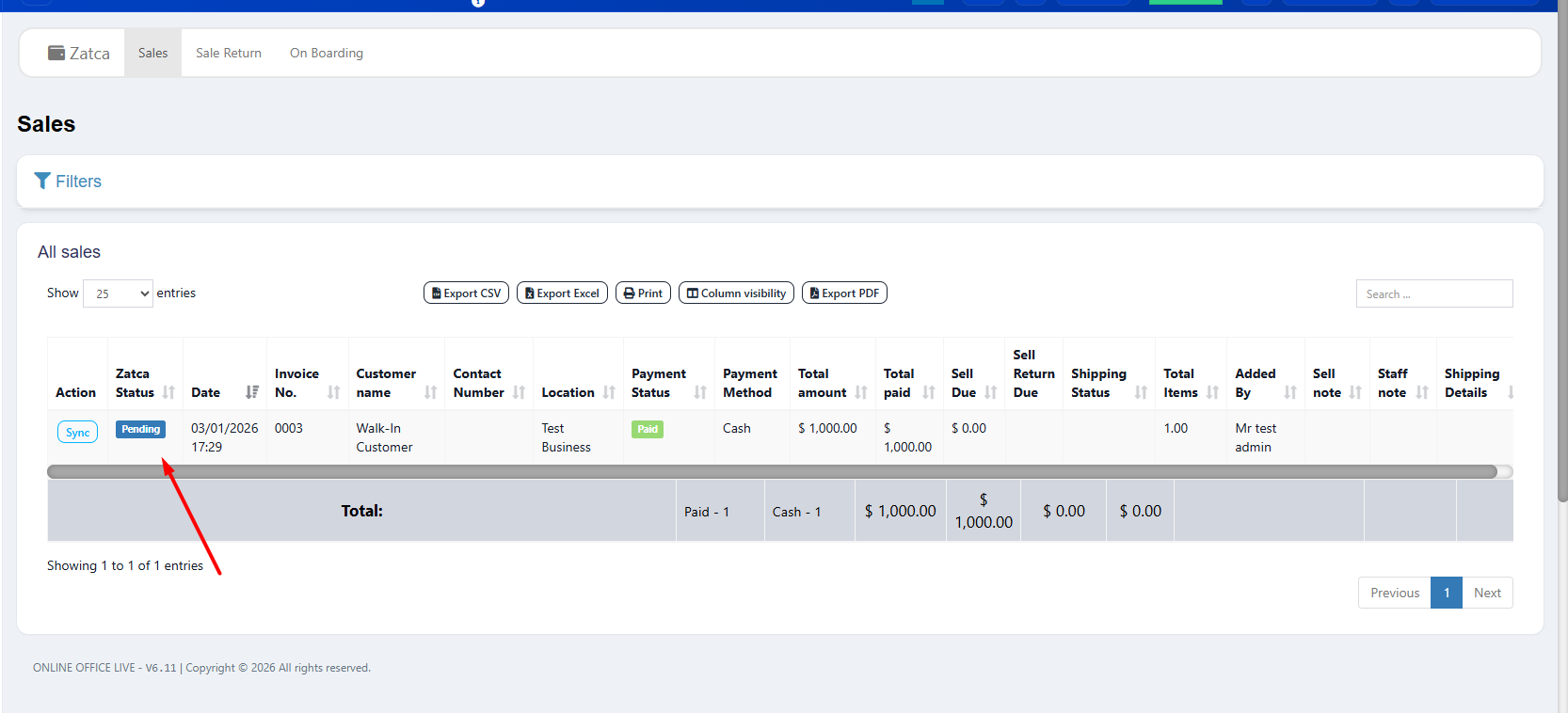
Monitor invoice submission status to ensure ongoing compliance
Penalties for Non-Compliance
| Violation | First Offense | Repeat Offense |
|---|---|---|
| Not issuing e-invoices | 5,000 SAR | Up to 50,000 SAR |
| Issuing non-compliant invoices | Warning + correction period | 5,000–50,000 SAR |
| Not integrating with ZATCA (Phase 2) | Warning | Escalating penalties |
| Deleting or modifying issued invoices | 10,000 SAR | Up to 50,000 SAR |
| Tax evasion (facilitated by non-compliance) | 25% of evaded tax | Criminal referral |
Compliance Is an Investment, Not a Cost
The cost of a compliant POS system is a fraction of even one penalty fine. A single 50,000 SAR penalty could fund years of a proper POS system subscription. Compliance also builds customer trust and streamlines your accounting.
Become ZATCA Compliant Today
LookPOS handles steps 5–22 automatically. All you need to do is set up your business data — we take care of the technical implementation, testing, and ongoing compliance.
Start Free Trial Get HelpFrequently Asked Questions
With a ready-made ZATCA-compliant POS like LookPOS, you can be fully compliant in 1–3 days. Building custom integration from scratch typically takes 4–8 weeks for development, testing, and certification.
Penalties range from 5,000 to 50,000 SAR per violation depending on severity and repetition. ZATCA may also block your ability to issue tax invoices, preventing legal sales until the issue is resolved.
Each EGS (E-invoice Generation Solution) device needs its own CSID. If you have 5 branches each with a POS terminal, you need 5 separate CSIDs. A good POS system manages certificate provisioning and renewal automatically.
No. Phase 1 was the baseline. Phase 2 adds mandatory API integration, digital signatures, cryptographic stamping, and hash chains. All VAT-registered taxpayers are being progressively onboarded to Phase 2 in waves — it is a matter of when, not if.