Integrating with ZATCA's e-invoicing API is the core technical requirement of Phase 2 compliance. This guide covers the complete API integration process — from obtaining credentials to submitting invoices in production. If you are a developer building ZATCA integration for Saudi Arabia, this is your technical reference.
API Architecture Overview
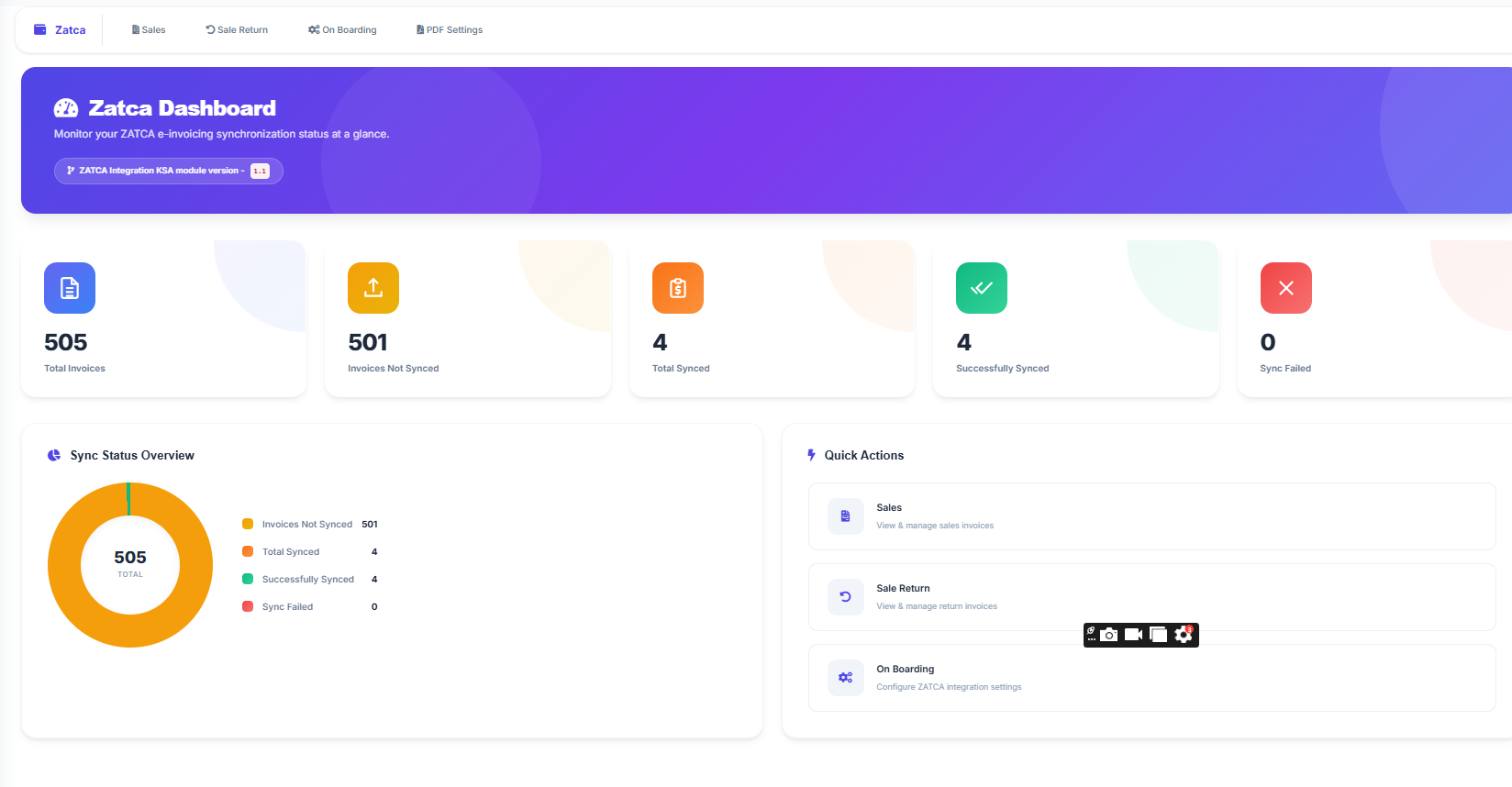
ZATCA's e-invoicing platform exposes a RESTful API with these main operations:
| Operation | Purpose | HTTP Method |
|---|---|---|
| Compliance CSID | Obtain test certificate | POST |
| Production CSID | Obtain live certificate | POST |
| Compliance Check | Validate invoice in sandbox | POST |
| Invoice Clearance | Submit B2B invoice for approval | POST |
| Invoice Reporting | Report B2C invoice to ZATCA | POST |
Step 1: Generate a Certificate Signing Request (CSR)
Before calling any ZATCA API, you need a digital certificate. The process starts by generating a CSR on your system:
The CSR must include specific fields that identify your business and solution. ZATCA provides detailed CSR generation instructions in their developer portal documentation.
Step 2: Obtain Compliance CSID
Submit your CSR to ZATCA's compliance endpoint to receive a test certificate:
ZATCA responds with a compliance CSID (certificate) and secret that you use for sandbox testing. The OTP is a one-time password provided by ZATCA during onboarding.
Step 3: Authentication
All subsequent API calls use HTTP Basic Authentication. The credentials are constructed by Base64-encoding the CSID and secret:
Accept-Version Header
Always include the Accept-Version: V2 header. Omitting this header or using V1 will route your request to deprecated endpoints. ZATCA currently supports V2 for all Phase 2 operations.
Step 4: Submit Invoices for Compliance Testing
Before going live, submit test invoices to the compliance endpoint:
Response Structure
For a complete list of error codes and their solutions, see our ZATCA error codes guide.
Step 5: Obtain Production CSID
After all compliance tests pass, exchange your compliance CSID for a production certificate:
The production CSID is valid for one year. Your system must renew it before expiry to avoid disruption.
Step 6: Invoice Clearance (B2B)
Standard tax invoices (B2B) are submitted to the clearance endpoint. The invoice must be approved before you deliver it to the buyer:
When the invoice is cleared, ZATCA returns the stamped invoice XML with their own signature. You must use this returned XML (not your original) as the official invoice.
Step 7: Invoice Reporting (B2C)
Simplified tax invoices (B2C) are submitted to the reporting endpoint. You can deliver the invoice to the customer immediately, but must report within 24 hours:
Handle Failures Gracefully
Your system must handle API timeouts, network errors, and temporary ZATCA outages. Implement a retry queue that stores failed submissions and retries them automatically. For B2C invoices, the 24-hour reporting window provides buffer time. For B2B invoices, failure means you cannot deliver the invoice until clearance succeeds.
Sandbox vs Production Endpoints
| Environment | Base URL | Purpose |
|---|---|---|
| Sandbox | gw-fatoora.zatca.gov.sa/e-invoicing/developer-portal | Testing and development |
| Simulation | gw-fatoora.zatca.gov.sa/e-invoicing/simulation | Pre-production validation |
| Production | gw-fatoora.zatca.gov.sa/e-invoicing/core | Live invoices |
Best Practices for Integration
- Never hardcode credentials. Store CSID certificates and secrets securely, encrypted at rest. Use environment variables or a secrets manager.
- Implement exponential backoff. If ZATCA returns a 5xx error, retry with increasing delays (1s, 2s, 4s, 8s) up to a maximum number of attempts.
- Log everything. Store the full request and response for every API call. This is essential for debugging rejected invoices and for audit trails.
- Monitor certificate expiry. Production CSIDs expire after 1 year. Set up alerts at 30 days and 7 days before expiry.
- Validate locally first. Check XML schema compliance and business rules before sending to ZATCA. This reduces API calls and speeds up error resolution.
- Handle invoice hash chains carefully. Store the hash of every successfully submitted invoice so the next invoice can reference it correctly.
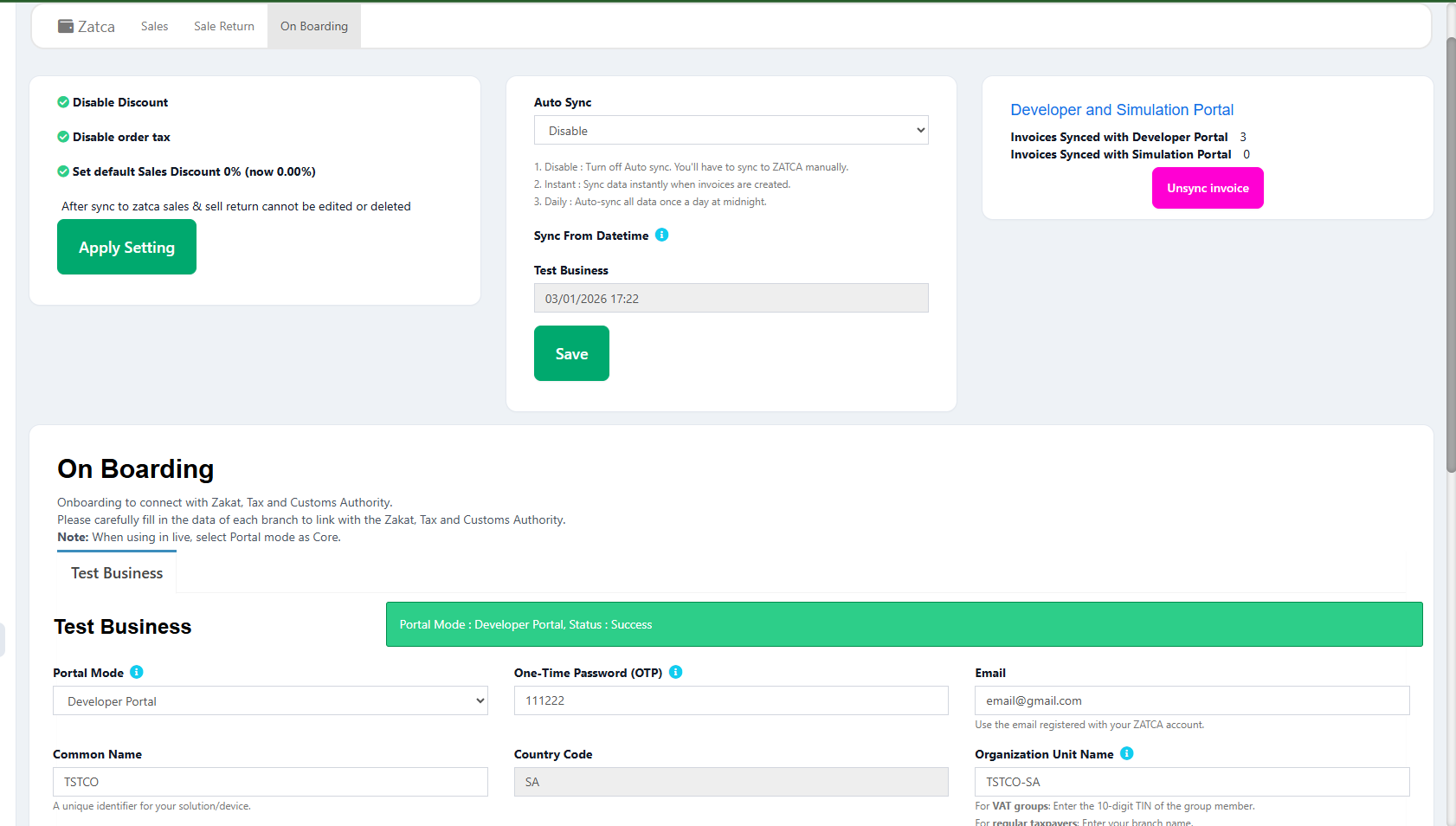
If building this integration from scratch feels overwhelming, consider using a pre-built solution. A ZATCA-compliant POS like LookPOS handles all API communication, certificate management, XML generation, and error handling automatically.
Skip Months of API Integration Work
LookPOS has a fully tested, production-ready ZATCA integration built in. Certificate management, XML signing, API communication, error handling, and retry logic — all handled automatically.
Start Free Trial Talk to Our Dev TeamFrequently Asked Questions
ZATCA provides endpoints for compliance testing, invoice clearance (B2B), and invoice reporting (B2C). Each environment (sandbox, simulation, production) has its own base URL. All use HTTPS with JSON request/response bodies.
ZATCA uses HTTP Basic Authentication. You Base64-encode your CSID certificate and secret as "csid:secret" and pass it in the Authorization header. Different certificates are used for compliance testing and production.
Yes. ZATCA's sandbox environment allows unlimited test submissions. Sandbox invoices have no legal or tax implications. Use the compliance CSID and sandbox endpoints for all testing. Switch to production CSID and production endpoints only when ready to go live.
For B2C (reporting), you have 24 hours to report invoices, so temporary outages are manageable — queue and retry. For B2B (clearance), you cannot deliver the invoice until ZATCA approves it. Your system should queue B2B invoices and alert staff when clearance is delayed. A well-designed e-invoicing system handles this automatically.