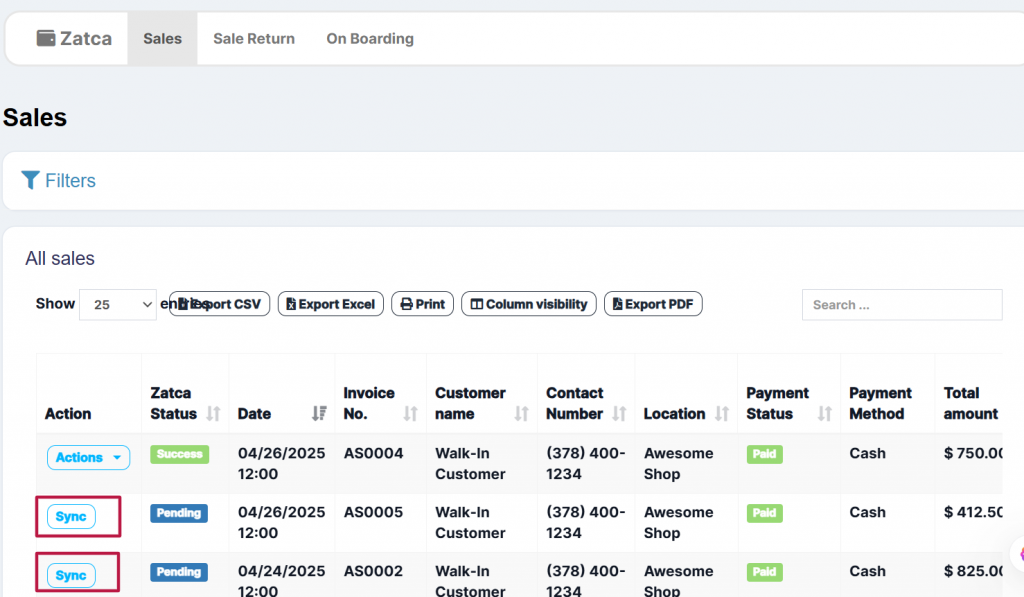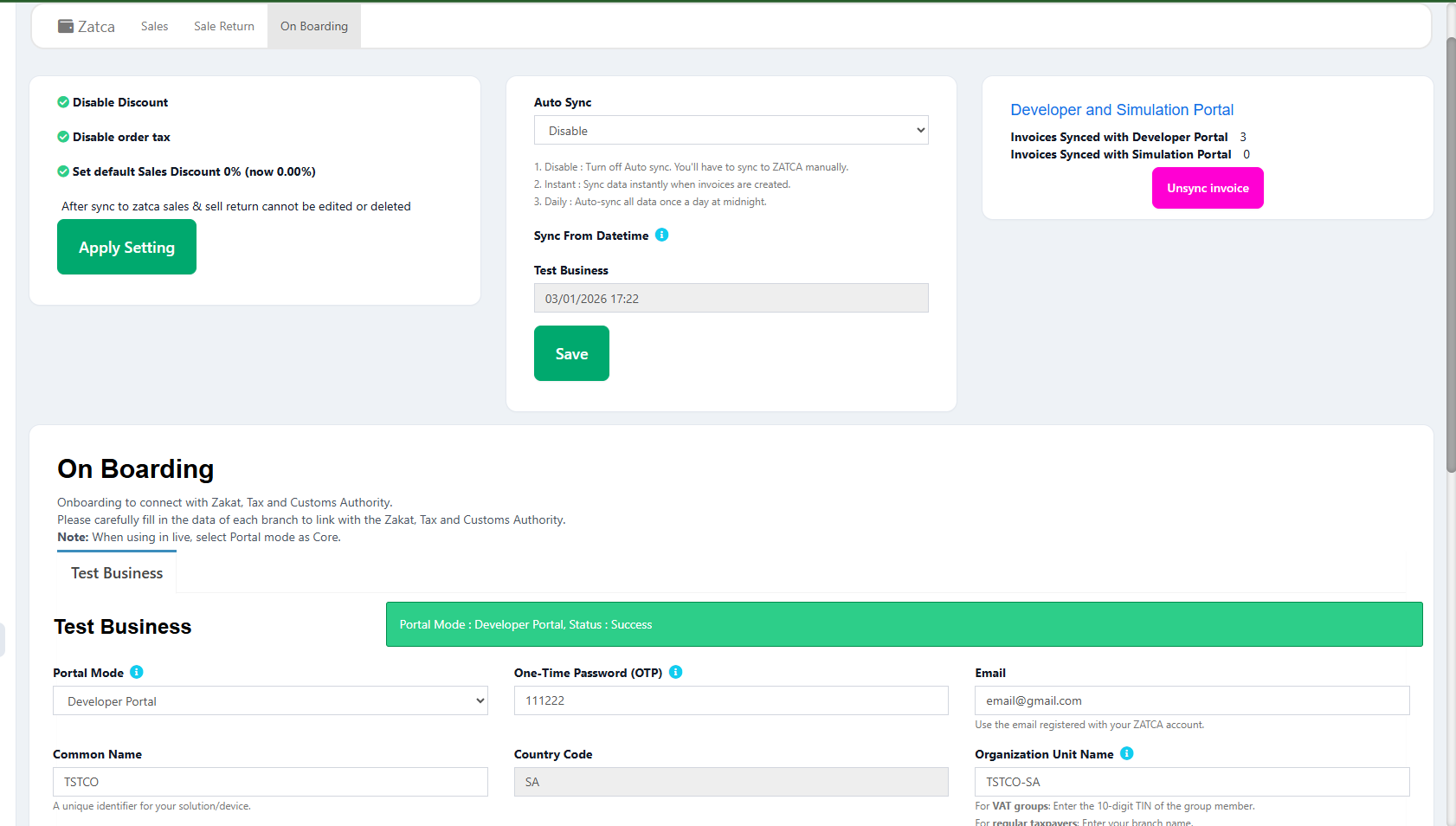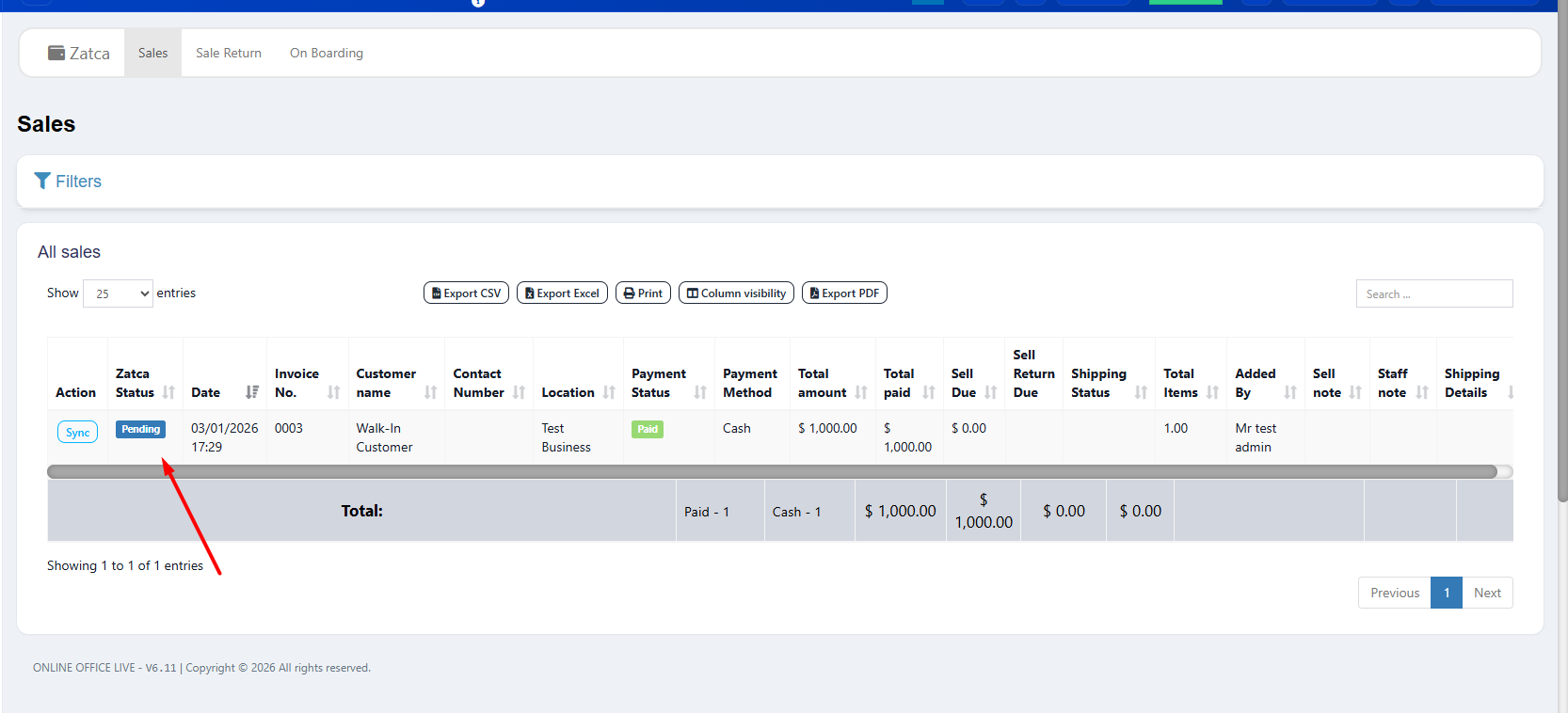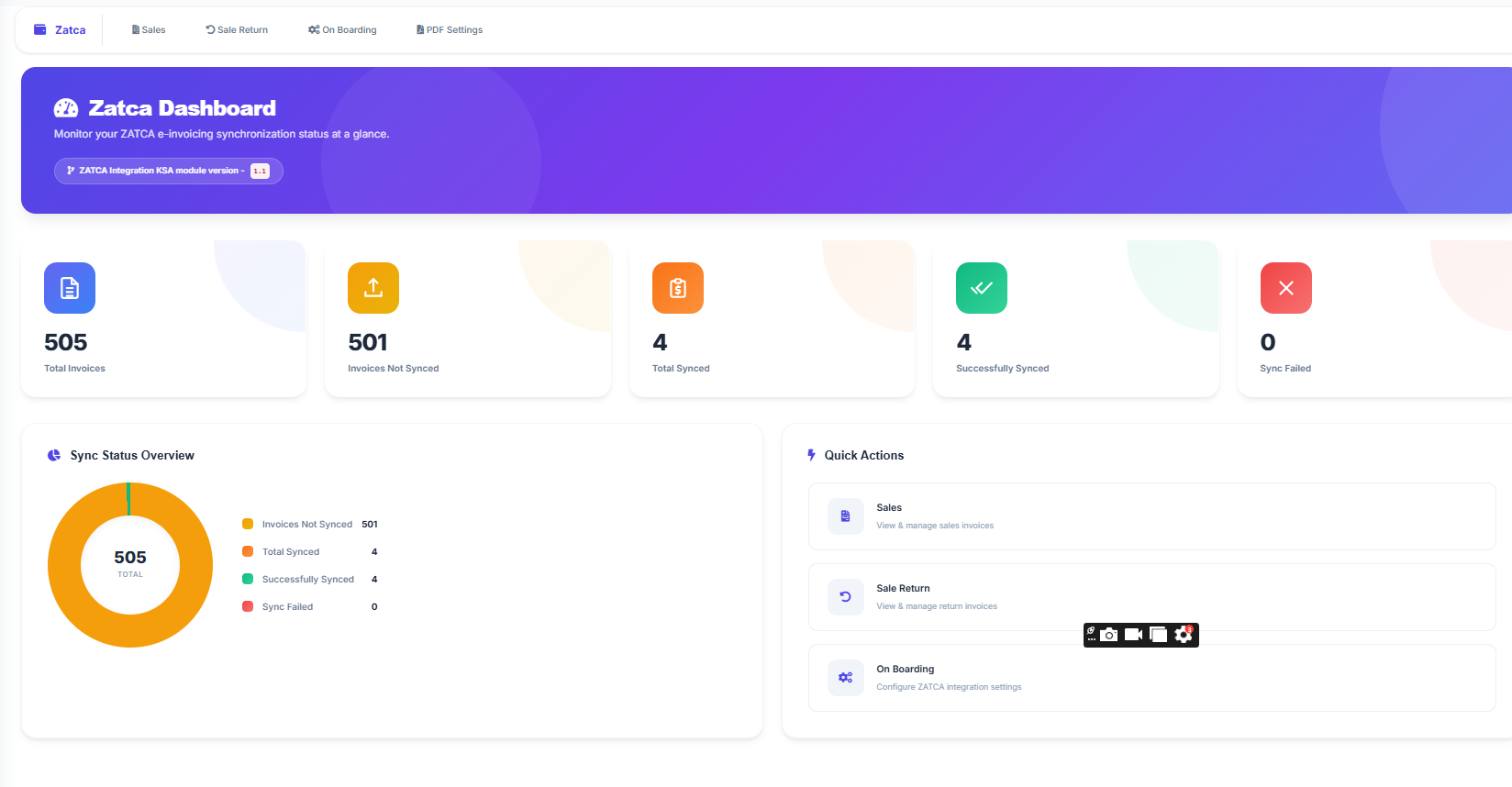
Saudi Arabia's digital transformation is reshaping how every business handles invoicing. The Zakat, Tax and Customs Authority has made it clear: all VAT-registered businesses must integrate their systems with the ZATCA platform. This is not a recommendation. It is a regulation backed by penalties. For business owners who rely on POS systems for daily operations, understanding ZATCA integration in Saudi Arabia is now a top priority.
Whether you operate a small retail store in Riyadh, manage a chain of restaurants across Jeddah, or run a wholesale distribution centre in the Eastern Province, your POS system must be able to communicate with the ZATCA Fatoora platform. This page explains exactly what ZATCA Phase 2 integration involves, what your POS system needs to support it, and how LookPOS makes the entire process simple.
What Is ZATCA E-Invoicing?
ZATCA e-invoicing is the electronic invoicing framework mandated by the Zakat, Tax and Customs Authority of Saudi Arabia. Officially called Fatoora, it requires businesses to replace manually created invoices with structured, machine-readable electronic documents that follow a specific format and are transmitted to ZATCA for validation.
The programme was introduced as part of Saudi Vision 2030 to increase transparency in business transactions, reduce VAT tax evasion, and modernize the commercial infrastructure of the Kingdom. It affects every VAT-registered entity regardless of size, sector, or revenue.
The Two Phases of ZATCA E-Invoicing
ZATCA rolled out e-invoicing in two phases, each with distinct requirements:
- Phase 1 (Generation Phase): Effective since December 4, 2021. Businesses were required to generate invoices electronically using a compliant system. Invoices needed a structured format, unique identifiers, and QR codes on B2C invoices. Manual and handwritten invoices were no longer accepted.
- Phase 2 (Integration Phase): Being rolled out in waves since January 2023. Businesses must now integrate their invoicing systems with the ZATCA Fatoora platform via API. Invoices must be submitted electronically to ZATCA for clearance (B2B) or reporting (B2C). This phase demands XML formatting, cryptographic signatures, and real-time data transmission.
Key Distinction
Phase 1 only required you to generate electronic invoices. Phase 2 requires you to transmit them to ZATCA and receive validation before they become official. This is a fundamental shift that demands a technically capable POS system.
Why Businesses Need a ZATCA-Integrated POS System
Many businesses in Saudi Arabia purchased their POS software before ZATCA introduced e-invoicing. Those systems were built for billing, inventory, and basic reporting. They were never designed to generate XML documents, apply cryptographic signatures, or communicate with government APIs. When ZATCA Phase 2 came into effect, these systems became insufficient.
A POS system with built-in ZATCA integration solves this problem completely. Instead of building a separate integration layer, hiring developers, or purchasing middleware, you get a single system that handles both your daily operations and your tax compliance obligations.
The Risks of Operating Without ZATCA Integration
Financial Penalties
ZATCA can impose penalties ranging from 5,000 SAR to 50,000 SAR per violation for non-compliance with e-invoicing regulations. This includes failure to generate compliant invoices, failure to submit invoices to ZATCA, and issuing invoices without the required fields or QR codes.
- Invoice rejections: Without proper XML formatting and digital signatures, your invoices will be rejected by the ZATCA platform, preventing you from legally completing B2B transactions.
- Audit exposure: Non-compliant businesses become targets for ZATCA audits. A compliant system creates a verifiable digital trail that protects you during inspections.
- Partner trust: Other VAT-registered businesses may refuse to accept your invoices if they are not ZATCA-cleared, disrupting your supply chain and partnerships.
- Operational delays: Manual workarounds for e-invoicing are time-consuming and error-prone, slowing down your daily business operations.
Features That Make LookPOS ZATCA-Ready
LookPOS was engineered with ZATCA compliance at its core. Every feature works together to ensure your invoices meet all regulatory requirements while keeping your business operations efficient.