Finding the right POS system in Saudi Arabia is no longer just about billing and inventory. Since ZATCA introduced mandatory e-invoicing under the Fatoora system, every VAT-registered business in the Kingdom must use software that generates compliant electronic invoices, calculates VAT accurately, and transmits tax data to the government in real time. A POS system that cannot do this is simply not viable for operating in Saudi Arabia today.
This page covers everything you need to know about choosing the best POS system for your Saudi business. Whether you run a retail shop in Riyadh, a restaurant chain in Jeddah, a pharmacy in Dammam, or a supermarket in Makkah, you will learn what features matter most, how ZATCA compliance works, and why thousands of business owners across the Kingdom trust LookPOS to handle their operations.
Why This Matters Right Now
ZATCA is actively enforcing Phase 2 integration across all business sectors in Saudi Arabia. Companies that have not migrated to a ZATCA-compliant POS system face penalties, rejected invoices, and disrupted business operations. The time to upgrade is now, not later.
What Is ZATCA E-Invoicing?
ZATCA stands for the Zakat, Tax and Customs Authority of Saudi Arabia. It is the government body responsible for collecting taxes and regulating commercial compliance across the Kingdom. In 2021, ZATCA launched the Fatoora e-invoicing programme, requiring all VAT-registered businesses to transition from manual and paper-based invoicing to structured electronic invoicing.
ZATCA e-invoicing in Saudi Arabia is not simply about printing an invoice from a computer. It requires a specific technical format, digital signatures, government validation, and in Phase 2, direct integration with the ZATCA platform via API. There are two types of electronic invoices under the Fatoora system:
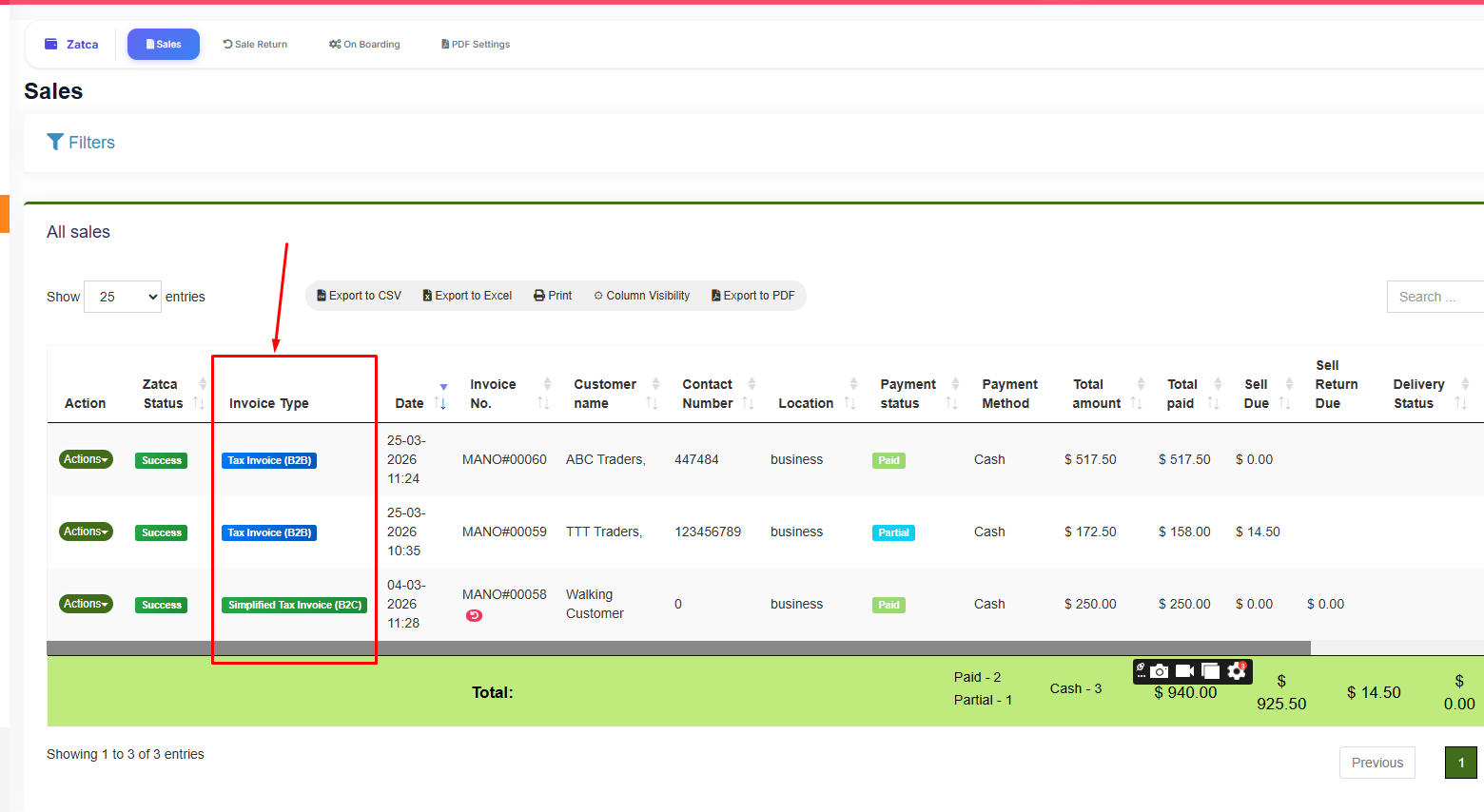
- Standard tax invoices (B2B): Issued when selling to another VAT-registered business. These require the buyer's VAT number, must include all mandatory ZATCA fields, and under Phase 2, must be sent to ZATCA for clearance before delivery to the buyer.
- Simplified tax invoices (B2C): Issued for sales to individual consumers. These require a QR code with TLV-encoded data and must be reported to ZATCA within 24 hours under Phase 2.
Both types must follow the UBL 2.1 XML schema, include cryptographic digital signatures, carry a sequential invoice counter value, and maintain a hash chain linking each invoice to the previous one. A POS system that cannot generate these technical elements is not ZATCA compliant.
Why Every Saudi Business Needs a ZATCA-Compliant POS
Before ZATCA Phase 2, many businesses in Saudi Arabia could operate with basic billing software that printed receipts and tracked sales. Those days are over. The regulations now require your invoicing system to be a certified, integrated part of the national tax infrastructure. Here is why a ZATCA-compliant POS system is essential:
1. Legal Requirement, Not a Choice
ZATCA has been rolling out Phase 2 in waves, targeting different business categories based on revenue thresholds. If your business has been notified, integration is mandatory. Even if you have not been notified yet, all VAT-registered businesses will eventually be required to comply. Having a POS system ZATCA compliant from the start saves you from a rushed, last-minute migration.
2. Financial Penalties Are Significant
Non-compliance carries penalties that range from 5,000 SAR to 50,000 SAR per violation. Violations include failing to issue electronic invoices, missing mandatory fields on invoices, issuing invoices without QR codes, or failing to submit invoices to ZATCA. These penalties accumulate quickly for businesses processing dozens or hundreds of transactions daily.
3. Your B2B Partners Require It
Other VAT-registered businesses are increasingly refusing to accept invoices that have not been cleared through ZATCA. If your POS system Saudi Arabia setup cannot generate properly cleared invoices, you risk losing wholesale customers, supplier relationships, and government contracts.
4. Operational Efficiency
A modern POS system does far more than comply with regulations. It manages your inventory, tracks customer purchases, generates sales reports, handles employee access controls, and processes payments. When all of this is combined with automatic ZATCA compliance, you eliminate the need for separate tools, manual data entry, and duplicate record-keeping.
Common Mistake
Many business owners purchase a POS system first, then try to add ZATCA compliance later. This approach often fails because ZATCA integration requires deep system-level changes. Choose a POS that was built with ZATCA compliance from the ground up, like LookPOS.