ZATCA Phase 2, officially called the "Integration Phase," transforms how businesses in Saudi Arabia handle invoicing. Unlike Phase 1 which only required local e-invoice generation, Phase 2 demands real-time integration with ZATCA's platform. Every invoice your business issues must be electronically transmitted to and validated by ZATCA before it is considered legally valid.
This guide explains every aspect of Phase 2 — what it requires, when it applies to your business, and exactly how to achieve compliance. If you are planning your ZATCA integration in Saudi Arabia, this is the definitive resource.
What Changed from Phase 1 to Phase 2?
Phase 1, launched December 4, 2021, established the foundation: businesses had to generate invoices electronically instead of manually. But Phase 1 had no requirement to connect to ZATCA. Invoices were generated and stored locally.
Phase 2 changes everything:
| Aspect | Phase 1 (Generation) | Phase 2 (Integration) |
|---|---|---|
| Invoice Generation | Local electronic generation | Local generation + ZATCA transmission |
| B2B Invoices | Generate and store | Must be cleared by ZATCA before delivery |
| B2C Invoices | Generate and store | Must be reported to ZATCA within 24 hours |
| XML Format | Not specified | UBL 2.1 XML mandatory |
| Digital Signature | Not required | Mandatory (X.509 certificate) |
| QR Code | B2C only, 5 tags | Both B2B and B2C, 9 tags |
| UUID | Not required | Unique UUID per invoice mandatory |
| Invoice Hash | Not required | SHA-256 hash chain mandatory |
| API Integration | None | ZATCA API integration required |
Phase 2 Rollout Timeline
ZATCA rolls out Phase 2 in waves, targeting businesses based on their annual taxable revenue. Each wave receives a minimum 6-month notice before their compliance deadline.
Wave 1 — January 1, 2023
Businesses with annual taxable revenue exceeding 3 billion SAR
Wave 2 — July 1, 2023
Businesses with annual taxable revenue exceeding 500 million SAR
Wave 3 — October 1, 2023
Businesses with annual taxable revenue exceeding 250 million SAR
Waves 4–10 — 2024
Progressive revenue thresholds from 150 million SAR down to 25 million SAR
Waves 11+ — 2025–2026
Remaining businesses below 25 million SAR, including small and micro enterprises
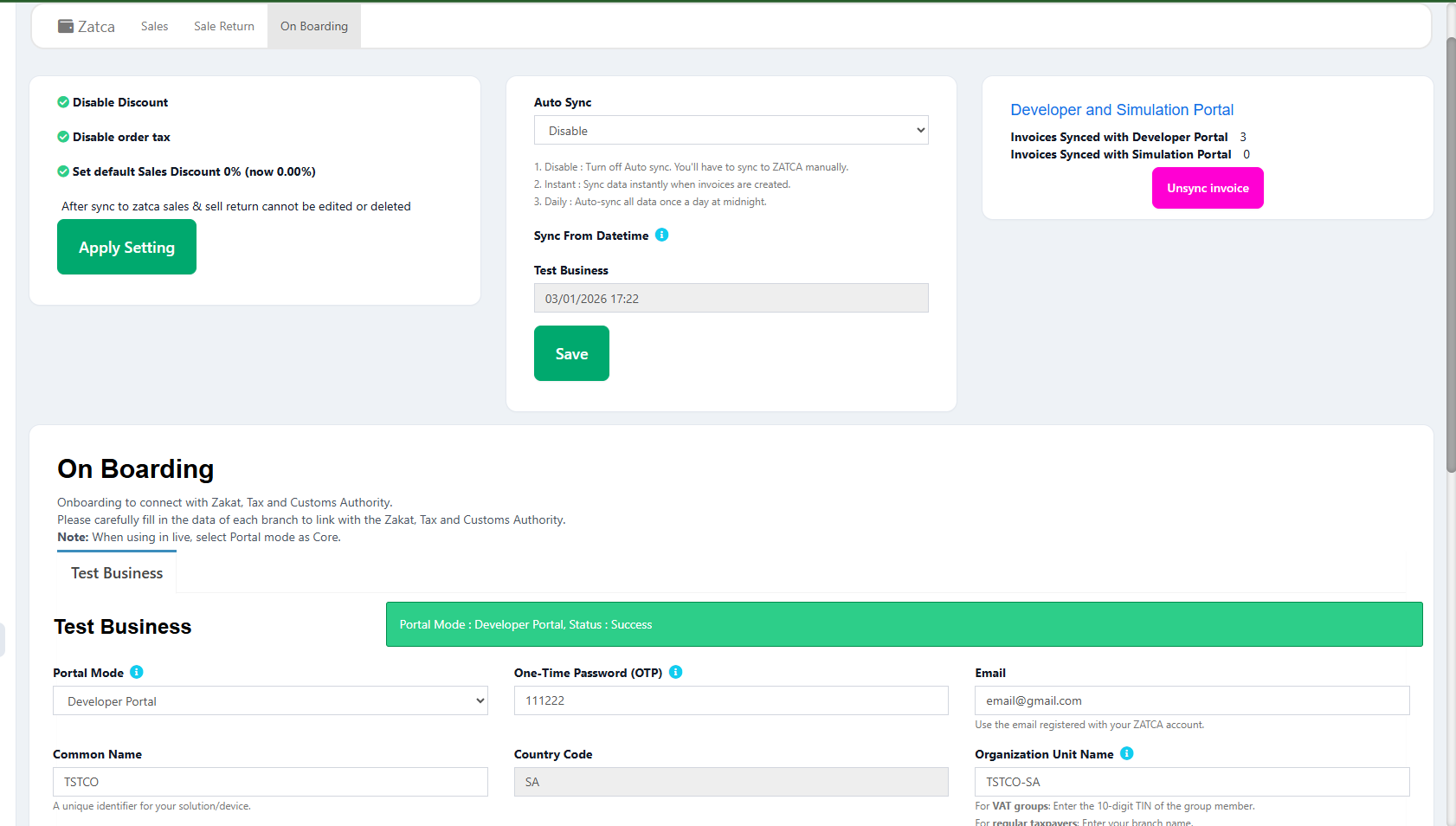
ZATCA onboarding process for Phase 2 integration
How to Check Your Wave
Log into the ZATCA portal (zatca.gov.sa) and check the "E-Invoicing" section under your business profile. Your wave assignment and compliance deadline will be displayed there. You will also receive official notification via email and SMS.
The Two Integration Models
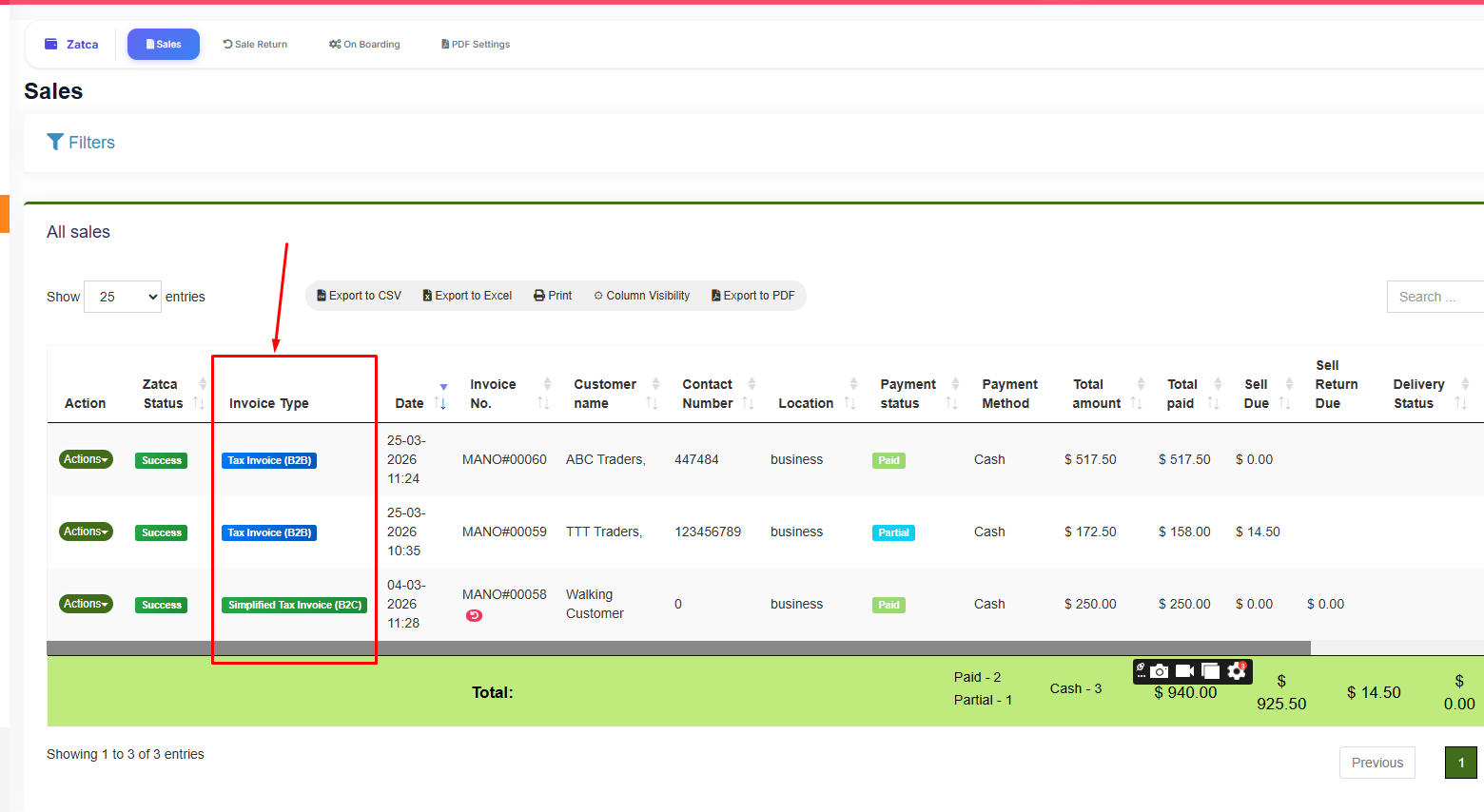
B2B Clearance Model vs B2C Reporting Model
Phase 2 uses two different integration models depending on the invoice type:
1. Clearance Model (Standard/B2B Invoices)
Standard tax invoices (B2B) go through the clearance model. This means the invoice must be sent to ZATCA and approved before you can deliver it to the buyer. The process works like this:
- Your system generates the invoice in UBL 2.1 XML format
- The XML is digitally signed using your ZATCA production certificate
- The signed XML is sent to ZATCA's clearance API endpoint
- ZATCA validates the invoice, stamps it with their own signature, and returns it
- The cleared, stamped invoice is then delivered to the buyer
If ZATCA rejects the invoice, you cannot deliver it. You must fix the errors and resubmit. This makes the clearance model more strict but ensures every B2B invoice in circulation is ZATCA-verified.
2. Reporting Model (Simplified/B2C Invoices)
Simplified tax invoices (B2C) use the reporting model. You can deliver the invoice to the customer immediately, but must report it to ZATCA within 24 hours. The process:
- Your system generates the invoice in UBL 2.1 XML format with all required fields
- The XML is digitally signed
- The invoice is delivered to the customer with the complete QR code
- Within 24 hours, the signed XML is sent to ZATCA's reporting API endpoint
- ZATCA validates and accepts or rejects the reported invoice
Rejection After Delivery
If a reported B2C invoice is rejected by ZATCA after it was already delivered to the customer, you must issue a corrected invoice and re-report it. This is why using a validated ZATCA POS system is critical — it prevents issuing non-compliant invoices in the first place.
Technical Requirements for Phase 2
Phase 2 compliance requires specific technical capabilities in your invoicing system:
UBL 2.1 XML Format
All invoices must be structured in Universal Business Language (UBL) version 2.1 XML. This is an international standard for electronic business documents. ZATCA has published a Saudi-specific profile that adds mandatory fields like VAT category codes, seller/buyer tax registration numbers, and Saudi-specific document types.
Digital Signatures (X.509)
Every invoice must be digitally signed. Your business needs a Cryptographic Stamp Identifier (CSID) from ZATCA, which is essentially an X.509 digital certificate. There are two types:
- Compliance CSID: Used during the onboarding and testing phase to validate your integration
- Production CSID: Used for live invoices after passing compliance testing
Invoice Hash Chain
Each invoice contains a SHA-256 hash that creates a chain linking it to the previous invoice. The first invoice in the chain hashes against a known seed value. This chain makes it impossible to tamper with or delete individual invoices without breaking the chain — ZATCA can detect any modification.
UUID-Based Identification
Every invoice must have a universally unique identifier (UUID). This UUID is generated by your system and must be globally unique. It serves as the primary key for ZATCA to track and reference each invoice across systems.
QR Code with 9 TLV Tags
Both B2B and B2C invoices require a QR code with all 9 TLV tags including cryptographic data. For a deep dive into QR code specifications, read our complete guide to ZATCA QR code requirements.
The Integration Process: Step by Step
Here is the complete workflow to achieve Phase 2 compliance:
Step 1: Choose a Compliant Solution
Your invoicing or POS system must support Phase 2 requirements natively. Retrofitting a system that was not designed for ZATCA integration is extremely costly. The most practical approach is adopting a POS system built for Saudi Arabia that includes ZATCA integration out of the box.
Step 2: Onboarding with ZATCA
Register your solution with ZATCA through their developer portal. This involves generating a Certificate Signing Request (CSR), submitting it to ZATCA, and receiving your Compliance CSID (test certificate).
Step 3: Sandbox Testing
Use the ZATCA sandbox environment to test your integration. Submit test invoices, credit notes, and debit notes. Verify that clearance and reporting work correctly. Fix any validation errors.
Step 4: Compliance Checks
Run the official ZATCA compliance test suite against your system. This verifies your XML structure, digital signatures, QR codes, hash chains, and API communication all meet specifications.
Step 5: Production Certificate
After passing compliance checks, exchange your Compliance CSID for a Production CSID. This is your live digital certificate for signing real invoices.
Step 6: Go Live
Switch your system from sandbox to production endpoints. Begin issuing, signing, and transmitting live invoices to ZATCA.
Skip the Complexity — Use a Pre-Integrated Solution
LookPOS handles the entire ZATCA Phase 2 integration for you. From certificate management to XML generation, digital signatures, QR codes, and API communication — everything is built in and maintained.
Start Free Trial Talk to an ExpertCommon Phase 2 Compliance Mistakes
- Waiting until the deadline: ZATCA integration requires testing and certification. Start at least 3 months before your deadline.
- Using Phase 1-only software: Many invoicing tools only support Phase 1. Verify your current solution supports API integration, digital signatures, and UBL 2.1.
- Incorrect XML namespace: ZATCA requires specific XML namespaces and extensions. Using generic UBL without Saudi-specific elements causes rejection.
- Missing invoice line IDs: Each line item in the invoice must have a sequential numeric ID starting from 1. This is a frequently missed requirement.
- Ignoring credit/debit notes: Returns and corrections also require Phase 2 compliance. Your system must handle these document types through the same integration pipeline.
Penalties for Non-Compliance
ZATCA enforces Phase 2 compliance through a structured penalty framework:
| Violation | First Offense | Repeat Offense |
|---|---|---|
| Not issuing e-invoices | 5,000 SAR | Up to 50,000 SAR |
| Missing mandatory fields | Warning + correction period | 10,000 SAR |
| Not integrating with ZATCA | Warning | Up to 50,000 SAR |
| Tampering with invoices | 10,000 SAR | Up to 50,000 SAR |
| Continuous non-compliance | — | Business suspension |
Phase 2 and Your POS System
For retail businesses, restaurants, and service providers, the POS system is the primary invoicing tool. If your POS does not support Phase 2, you cannot issue compliant invoices at the point of sale. Here is what your POS must be able to do:
- Generate UBL 2.1 XML for every transaction automatically
- Apply digital signatures using stored ZATCA certificates
- Transmit invoices to ZATCA in real-time (clearance) or near-real-time (reporting)
- Handle ZATCA response codes and retry failed submissions
- Generate and print QR codes with all 9 TLV tags
- Maintain the invoice hash chain across all transactions
- Support credit notes and debit notes through the same pipeline
If your current POS cannot do all of the above, it is time to evaluate a replacement. Read our detailed comparison of e-invoicing solutions for Saudi Arabia to find the right fit.
Frequently Asked Questions
Phase 1 required businesses to generate and store e-invoices locally in a structured format. Phase 2 requires real-time integration with ZATCA's platform — B2B invoices must be cleared before delivery, and B2C invoices must be reported within 24 hours. Phase 2 also mandates UBL 2.1 XML, digital signatures, and enhanced QR codes.
Phase 2 is rolled out in waves based on annual taxable revenue. ZATCA notifies businesses at least 6 months before their compliance deadline. Check the E-Invoicing section of your ZATCA portal for your wave assignment and deadline. If you haven't been notified yet, use the time to prepare.
Phase 2 requires UBL 2.1 XML format, digital signatures using X.509 certificates (CSID), API integration with ZATCA's clearance and reporting endpoints, TLV-encoded QR codes with 9 tags, UUID-based invoice identification, and SHA-256 invoice hash chains.
Only if your Phase 1 system has been upgraded to support Phase 2 capabilities. Many Phase 1 systems cannot be upgraded because they lack the architecture for API integration, digital signatures, and XML processing. In most cases, switching to a purpose-built ZATCA Phase 2 POS system is more practical than upgrading.
ZATCA typically issues a warning first, giving you a correction period. If non-compliance continues, penalties start at 5,000 SAR per violation and can escalate to 50,000 SAR. Persistent non-compliance can result in business suspension. It is far cheaper to invest in a compliant system than to pay repeated fines.