Direct WooCommerce REST API v3

WooCommerce POS Integration & Real-Time Inventory Sync

Connect your WooCommerce WordPress storefront with lightning-fast physical POS counters. Enjoy instant 2-way stock sync, variable product support, automatic order imports, and zero server bloat—even during peak in-store checkout rushes.

Zero WordPress Server Lag 100% Offline Resilience Variable SKU Barcode Sync
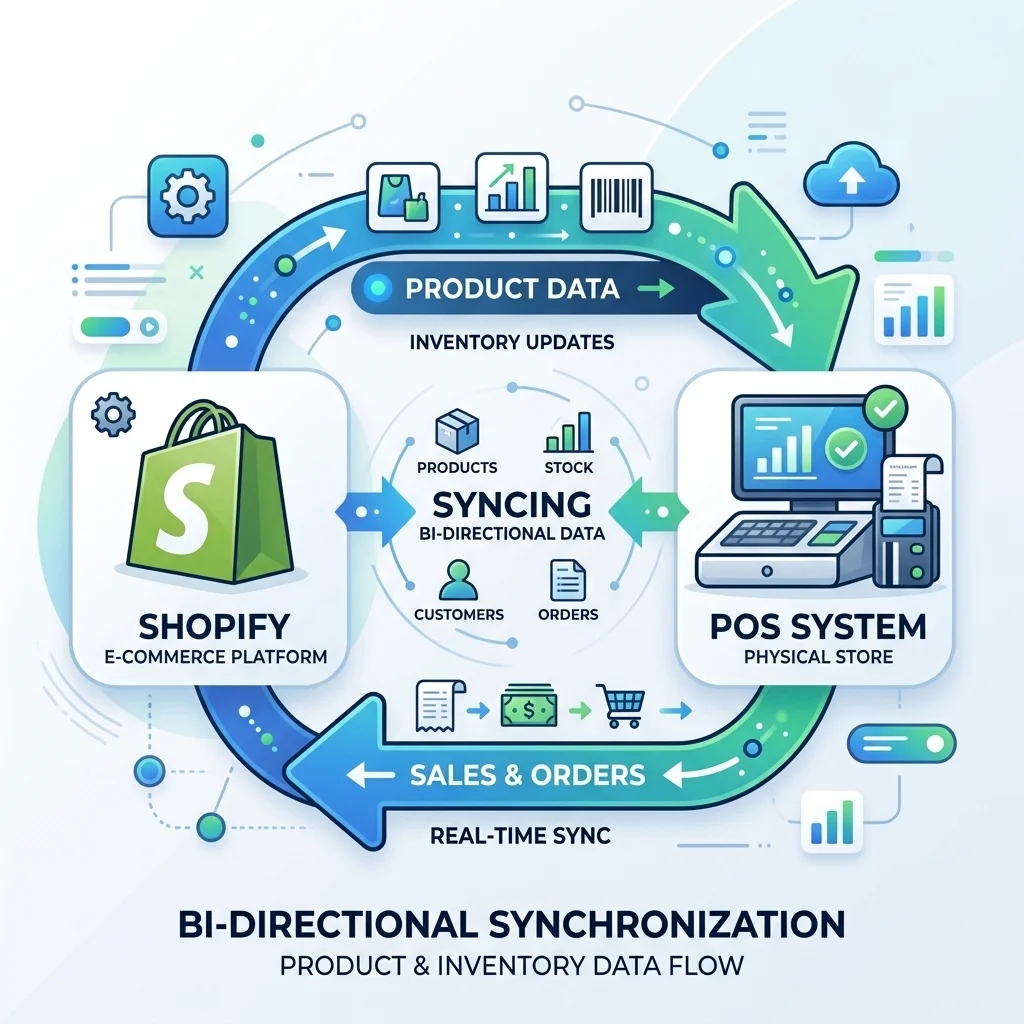
LookPOS > WooCommerce Two-Way Sync Pipeline
WooCommerce POS Integration Two-Way Sync Workflow in LookPOS
Webhook Queue: 0 Pending WordPress Host: Protected
<10s
REST API Inventory Update Time
0 ms
WordPress Server Load Added
100%
Offline POS Availability
$0
Zero LookPOS Commission on Orders

Engineered to Solve Common WooCommerce POS Headaches

Most WooCommerce POS plugins bog down WordPress with endless AJAX requests. LookPOS runs independently to keep your website fast and your checkout instant.

Server-Load Friendly Sync

LookPOS uses batched background webhooks instead of continuous polling. Your WordPress site stays fast, caching plugins (WP Rocket, LiteSpeed) remain unaffected, and checkouts never freeze.

Offline POS Independence

If your WordPress website crashes due to plugin conflicts or server outages, LookPOS cash registers don't stop. Process sales and print receipts normally; LookPOS auto-syncs when WordPress is back up.

Variable Product Mapping

Manage complex product catalogs effortlessly. LookPOS links directly to WooCommerce product variations (sizes, shades, packs), updating stock counts only for the exact variation scanned.

Automated Order Processing

Web orders appear in real-time on your LookPOS order screen. Pick items from store shelves, print thermal packing slips, and auto-update order statuses from 'Processing' to 'Completed'.

Unified Customer CRM

Sync customer profiles and purchase history. In-store shoppers can be credited reward points that can be redeemed on your WooCommerce site or vice versa.

WhatsApp Receipt Delivery

Give customers the option to receive their WooCommerce and in-store purchase receipts directly on WhatsApp as a PDF, saving on thermal paper and boosting customer engagement.

How to Connect WooCommerce to LookPOS

Connect using WooCommerce REST API keys in 4 simple steps without coding.

1

Generate API Keys

In your WordPress admin, go to WooCommerce > Settings > Advanced > REST API. Click 'Add key' with Read/Write permissions.

2

Enter Keys in LookPOS

Navigate to LookPOS Integrations > WooCommerce tab. Input your website URL, Consumer Key, and Consumer Secret.

3

Map Warehouses & Locations

Select which physical retail store or warehouse coordinates with your online WooCommerce stock pool.

4

Auto-Sync Products

Click 'Sync Products' to match barcodes with WooCommerce SKUs. Real-time 2-way sync begins immediately.

LookPOS vs In-WordPress POS Plugins

See why retailers choose an independent POS platform over heavy WordPress plugins.

Feature / Metric LookPOS Platform WordPress POS Plugins (FooSales / Oliver POS) Manual Stock Updates
Annual Cost $95 – $195 / year (Flat) $240 – $590 / year per cashier register $0 (Free, but slow & error-prone)
Impact on Website Speed Zero impact (External architecture) Slows down WordPress admin & checkouts No impact, but high manual work
Offline Resilience Full offline mode for all sales & thermal prints Crashes or breaks if site goes down No POS functionality
Hardware Compatibility Any Windows PC, Mac, Android, iPad, thermal printers Often requires expensive tablet apps None
Full Double-Entry Accounting Built-in P&L, balance sheet, expense ledger Requires third-party accounting plugin Manual spreadsheets

WooCommerce POS Integration: FAQs

Common questions answered for WordPress and WooCommerce store owners.

Will LookPOS slow down my WordPress website or database?
No. Many WordPress POS plugins run directly inside wp-admin, executing heavy SQL queries that crash shared hosting and slow down customer checkouts. LookPOS operates externally on its own high-speed cloud/offline engine, communicating with WooCommerce only via lightweight, batched REST API webhooks.
Can I continue ringing sales if my WooCommerce website goes down?
Yes. LookPOS features complete offline autonomy. If your WordPress site is undergoing plugin updates, hosting maintenance, or experiencing server downtime, physical checkout counters continue processing sales, barcode scans, and receipt prints without interruption.
How are variable products (colors, sizes) synchronized?
LookPOS maps each WooCommerce product variation (e.g., Size XL / Color Navy) to its own specific in-store barcode and SKU. When an in-store customer purchases that variant, only the matching WooCommerce variation stock is deducted.
What WooCommerce API credentials are required?
You only need to generate a Consumer Key and Consumer Secret with Read/Write permissions from WooCommerce > Settings > Advanced > REST API. Paste these into LookPOS and sync begins automatically.

Give Your WooCommerce Store a True Enterprise POS

Combine the flexibility of WordPress with the speed, offline reliability, and accounting power of LookPOS.